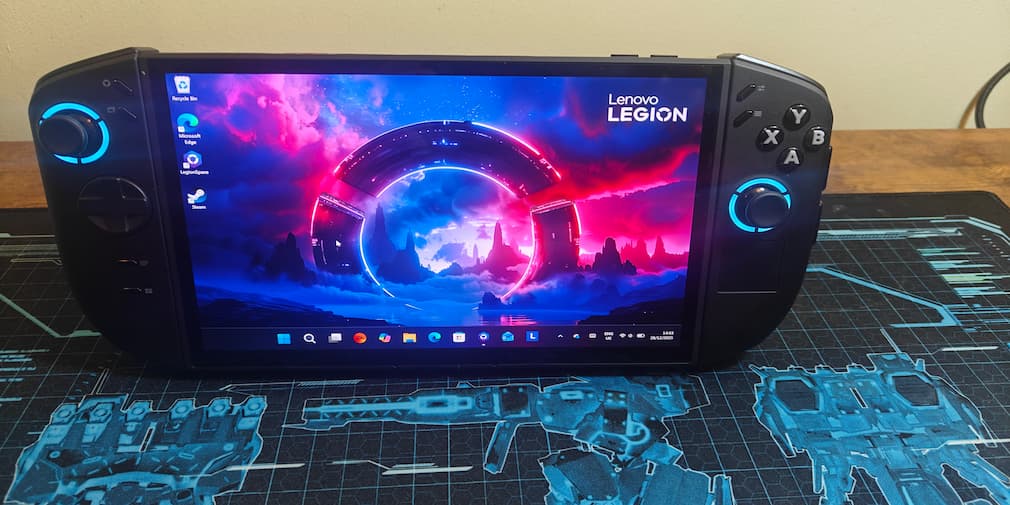
Due to my increasing fascination with Xbox, I was tempted by one of them newfangled Xbox ROG Ally Xs. Then someone online pointed out the obvious, that it’s from ASUS. I’ve had bad experiences with them, so I turned my eye to the Lenovo Legion Go 2.
I didn’t want to rush in, though, so I considered it. The Go in the Argos down the road got brought, and still I considered it. The next closest, 100 miles away in Wales, went, and I still considered it. Then my only option was 120 miles away. Add to that the fact that I just spent a considerable amount on a proper laptop, and only a proper fool would follow through and buy one.
So, I picked up my Lenovo Legion Go 2 that following weekend, but in my defence, I did need something to entertain me on two nine-hour flights to America. To note upfront, I purchased the lesser model, the AMD Ryzen Z2 chip, not the Z2 Extreme. I am not that reckless. That, and I couldn’t find the Extreme before my holiday.
The Lenovo Legion Go 2 is a gaming machine and a workout
My first thought when getting it out of the box was, “This is surprisingly heavy”. 2 lbs, or roughly 1 kg, does not sound like much, but it’s noticeable during long sessions. Luckily, it has a rather robust kickstand to lean on, and it feels incredibly stable. I’ve managed to balance it on one leg with barely any effort in the arm department.
On the topic of holding, it is quite ergonomic. You wouldn’t think that what is effectively a slightly stylised brick would be comfortable in your hands, and you would be right! I wouldn’t call it a joy to hold, but it has not been a pain either, which is really all you want. It also sports a handy little touch pad by your right thumb for mouse controls.
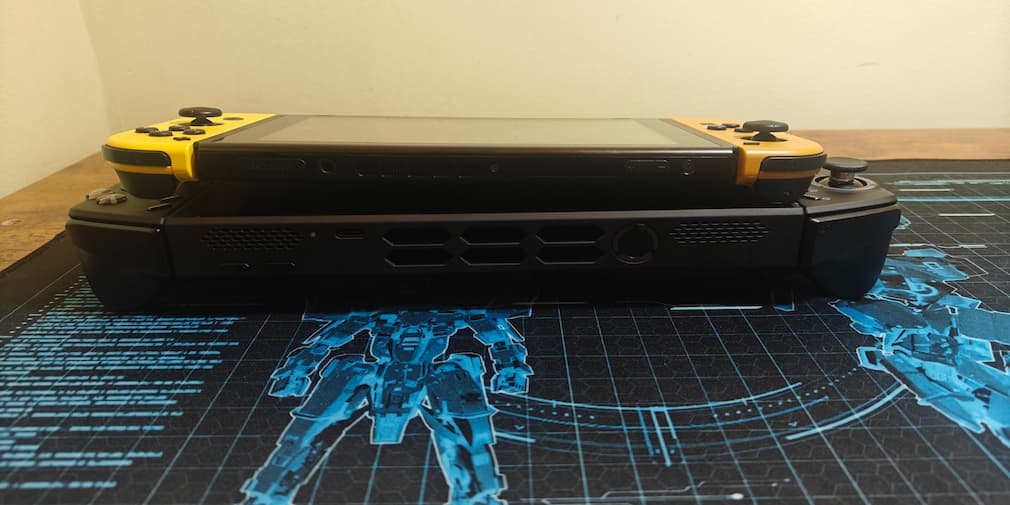
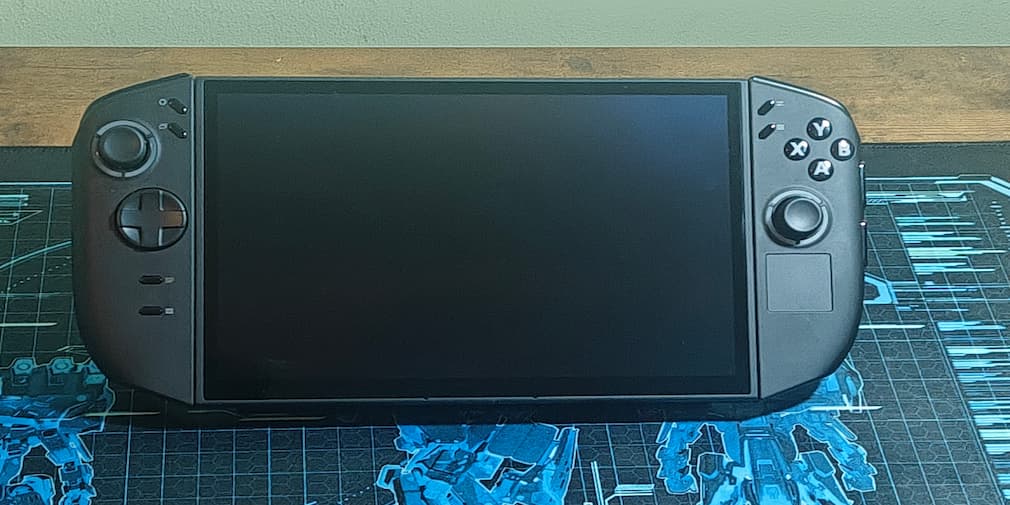
In terms of style, Lenovo has pretty much opted not to bother. And this is a choice I respect. It is a rather inoffensive piece of kit, plain black and no shouting, which is what I vastly prefer to those “gamer” accessories that are all LEDs and peacocking. The Lenovo Legion line is understated yet high-performance, which is exactly what I am looking for as I advance ever further into my mid-thirties. I want a simple design that works, and the Go 2 ticks this box perfectly.
Pretty easy for a bit of modification
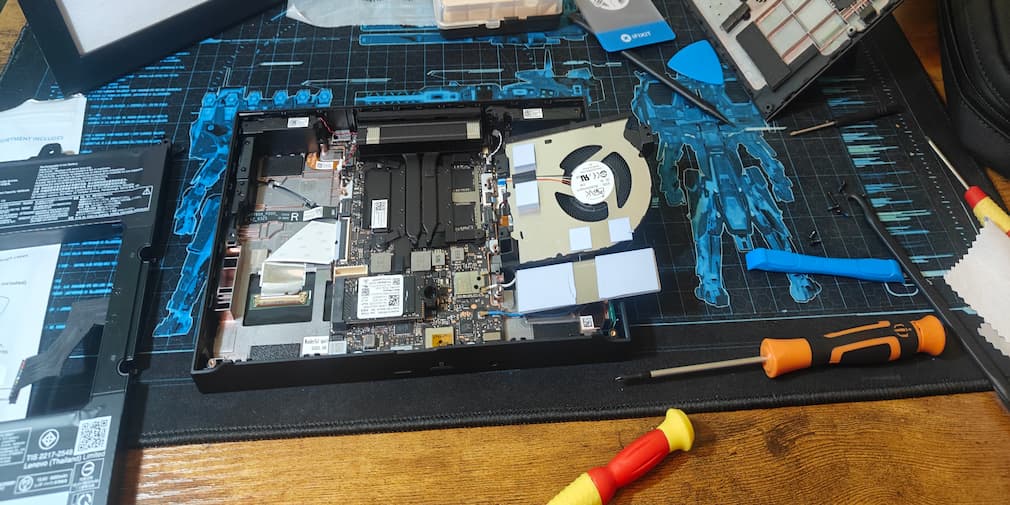
If you are the type who likes to tinker with your tech, such as I, then you will be happy to know that the Lenovo Legion Go 2 is fairly easy to break into. You will need your special PH00 screwdriver and plastic opening tools, but when you get into it, you will find it pretty easy to locate the SSD. This is great because the base model only packs 512 GB of memory, which, for a gaming-leaning piece of gear, is absolutely pitiable. The native SSD is an M.2 2242, but it will take a 2280. Pretty easily, in fact. When I was removing the 2242, I barely brushed the mounting pin, and it dramatically fired itself away. I felt like I was watching a professional footballer for a moment.
Tinkering aside, let’s dive into the important bit: performance. I will say that right out of the box, I was not impressed. I kept bumping up against the same two bugbears. First, I could not set up the fingerprint scanner because every time I tried, it only registered one press. Whenever I removed and replaced my thumb as it said, it refused to register.
Second is the login. I chose a password as my means of security, yet whenever I pressed the input box, the on-screen keyboard refused to pop up. I had to press “forgot password”, which somehow spurred the Go into another login screen, which did work. Both of these were fixed when I installed my new SSD with a fresh Windows OS, but it is pitiful that it doesn’t work fresh out of the box.
The OS definitely needs work
Besides this, the laptop portion of the Go 2 functions as you would expect. I was able to install Steam, Xbox, and all that with minimal issues, and proceeded to fill up my SSD with countless games. I will say, however, that the Legion Space app you get leaves a bit to be desired.
If it were a whole OS, maybe it would be better. As it stands, though, it is just a library for your games that loads slower than Steam and doesn’t really optimise them as the Nvidia App does. I was trying to delay this review until the Xbox FSE launched in my region so I could see how that stacked up, but the official release is dragging its feet.
When you boot up a game, you will come to a startling discovery: This is a portable laptop. By this, I mean simply, you can’t really play all your games reliably without being plugged in. Deathloop ran decently enough, but whenever I used the Shift tab to teleport, everything lagged. Even something not that demanding, Hack GU, lagged. I tried all manner of settings and could not seem to fix it. So if you are hoping for a reliable travel companion away from a power source, you are out of luck.
If you are near a plug socket you will have a great time
When it is plugged in, however, it runs like a dream. All my games ran perfectly, responded to controls with pinpoint accuracy, and looked amazing. That is something the Legion line has mastered: the graphics. It made my plane journeys bearable, but again, I was plugged in for the whole time. Which is good, because besides the drop in performance, the Go 2 will last maybe 2 hours on a charge.
I have also found that the controllers functioned incredibly well, both in handheld mode and when playing in the Go 2s’ desktop mode. Even when plugging it into my TV, I didn’t notice any input lag. As a gaming device, it is amazing, provided that you are connected to the charger. Which is the Lenovo Legion Go 2’s main pitfall.
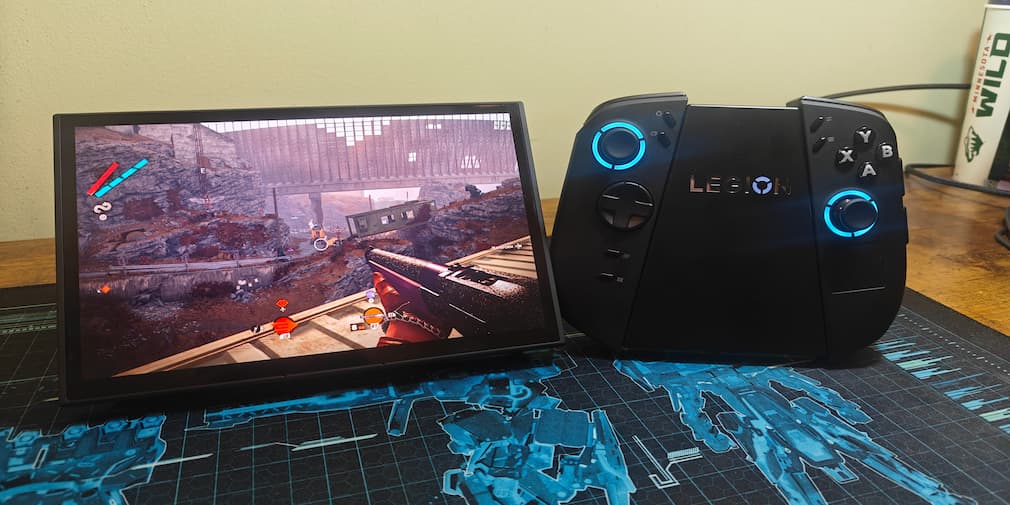
Lenovo look away now
Now, I mentioned earlier that the official Xbox FSE is taking ages to arrive. Well, as established, I enjoy tinkering. Provided you are willing to potentially destroy your device with Command lines and registry edits, you can force the update. I followed a guide by 128KB, and got it running fairly easily.
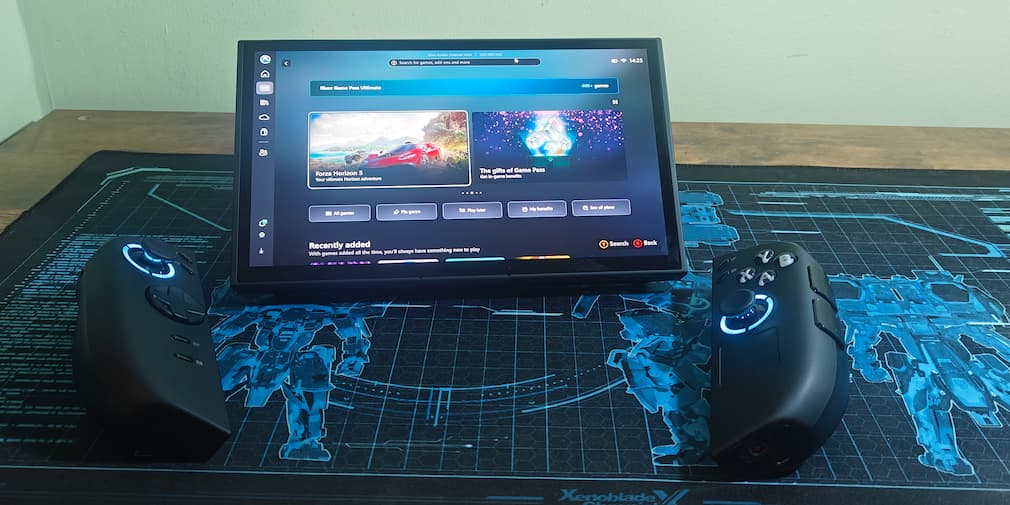
Unfortunately, this shows a glaring error with the vanilla Legion Go 2 release; the FSE is vastly superior. Even unplugged, I was suffering zero drop in gameplay, and everything looked beautiful. Which brings us to a big question: why would you struggle with a vanilla Go 2 instead of buying an ASUS Xbox Ally with the FSE? Or the Legion Go S with Steam? I don’t know what the delay is, but Lenovo need to get moving with this.
If you are pitching something as a portable Laptop, especially with a gaming aspect, it needs to perform on the move. Since returning from my trip, I haven’t picked it up much because it does not offer any advantage over my laptop. If you are planning to fly around the world multiple times per month, I would definitely recommend this. However, if you are more of a homebody, then I would say save the money and spend it on an Xbox instead. Or save up for a desktop or laptop. Especially since that FSE is nowhere to be seen.